

Items and recipes
Say what goes into a product, and how much one batch makes.
What it does
A recipe lists what goes into an item, and how much one batch makes. TaroStack uses it to plan batches, take ingredients and work out what a unit costs.
When to use it
Write a recipe for anything you make. Change a recipe by writing a new version, so past batches keep the recipe they used.
Before you start
The item and its ingredients exist.
Steps
- Open Recipes, then press New recipe.
- Keep Kind on Made here, and choose the Item.
- Enter Batch makes. The box shows a hint, and it needs a real number.
- Enter Expected yield % and Hours per batch if you know them.
- Add each ingredient with its quantity and unit, and its waste if it has any.
- Add Instructions if you want them on the batch.
- Press Save and use, or Save draft to finish later.
What you should see
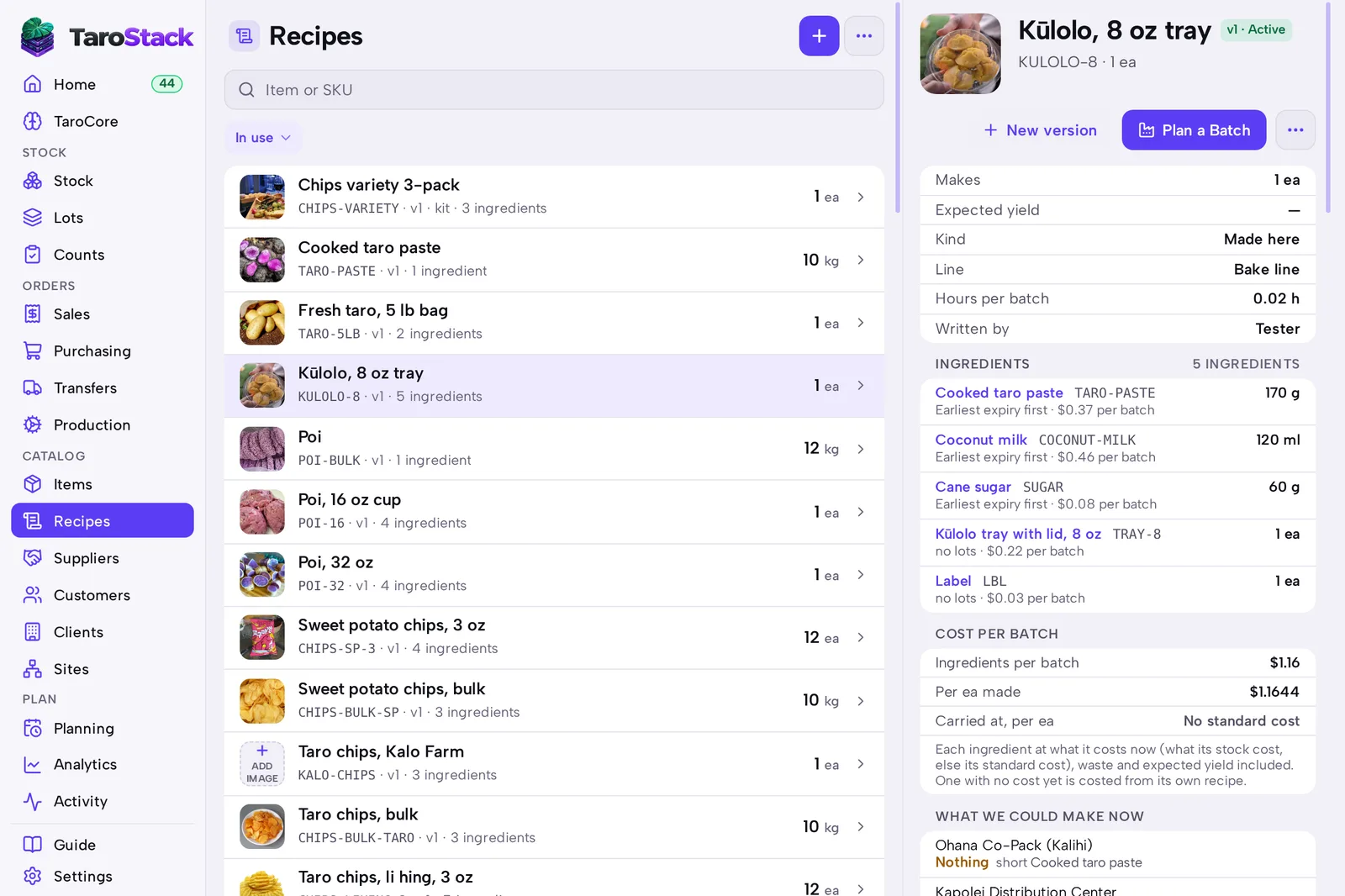
The recipe says Active. Its page lists each ingredient with its cost, the COST PER BATCH and WHAT WE COULD MAKE NOW at each site.
Good to know
New version on a recipe makes a draft of the next version. Batches already made keep the version they used.
An ingredient with no cost yet is costed from its own recipe, if it has one.