

Basic setup
The handful of settings worth checking in your first hour.
What it does
Get set up on Home lists the steps that make TaroStack useful, and Settings holds the choices behind them. Together they take most businesses less than an hour.
When to use it
Use it in your first session, or when a new business of yours starts out.
Before you start
Steps
- Open Home and read Get set up.
- Press each step you need. They cover items, where stock lives, opening stock, recipes, reorder points, suppliers and customers.
- Open Settings, then Business profile, and check your name, address and time zone.
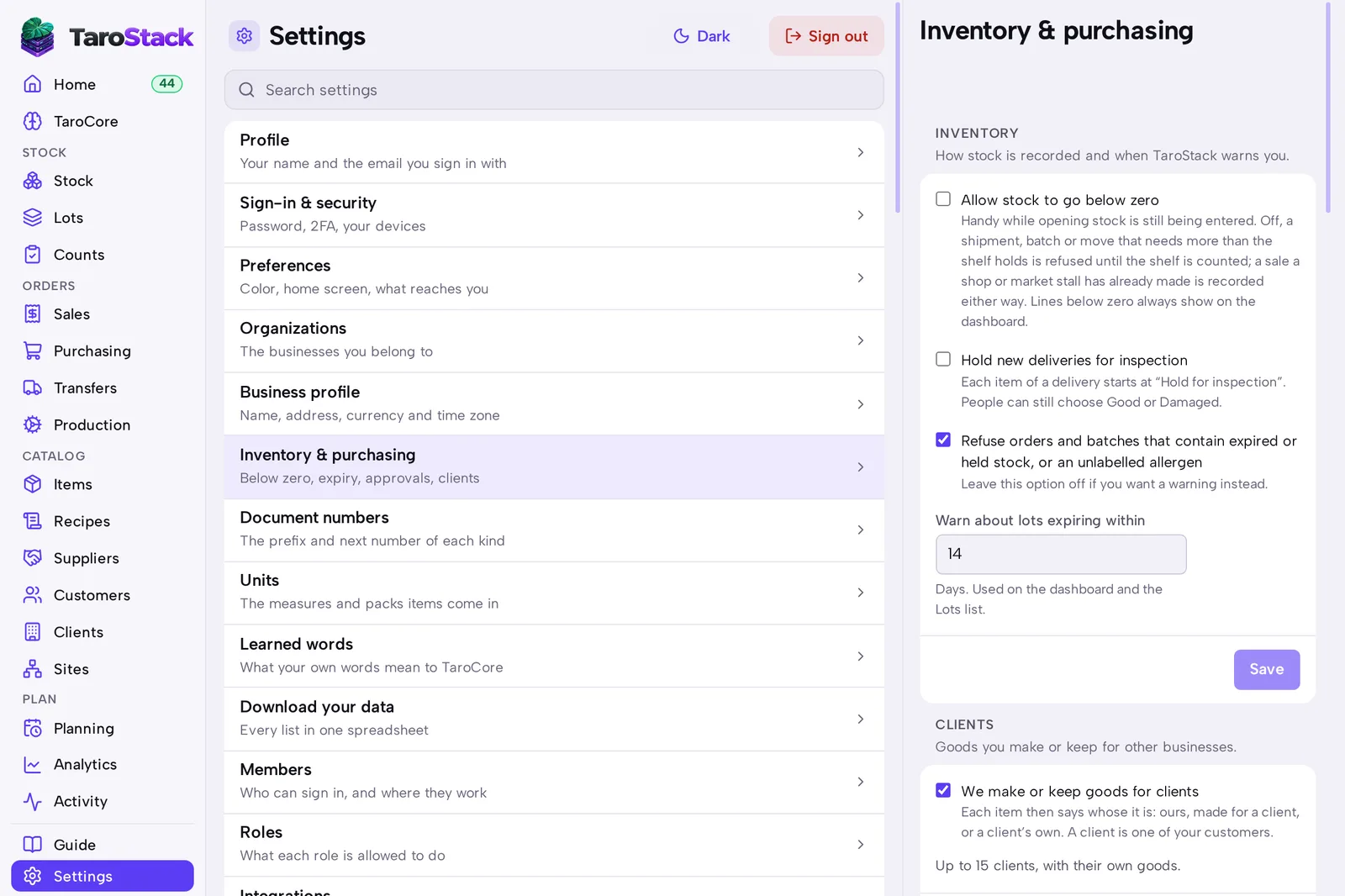
- Open Settings, then Inventory & purchasing, and read each rule. See Stock and purchasing rules.
- Open Settings, then Members, and press Invite someone for each person who works with you. See Roles and permissions.
What you should see
Each finished step leaves Get set up. When the list is done, it goes away and Home shows only the day's work.
Good to know
You can skip steps that don't apply. A store that makes nothing doesn't need recipes.
Every step can be done later, and none of them locks you out of another.