

Clients
Businesses whose goods you make or keep, with their stock kept apart from yours.
What it does
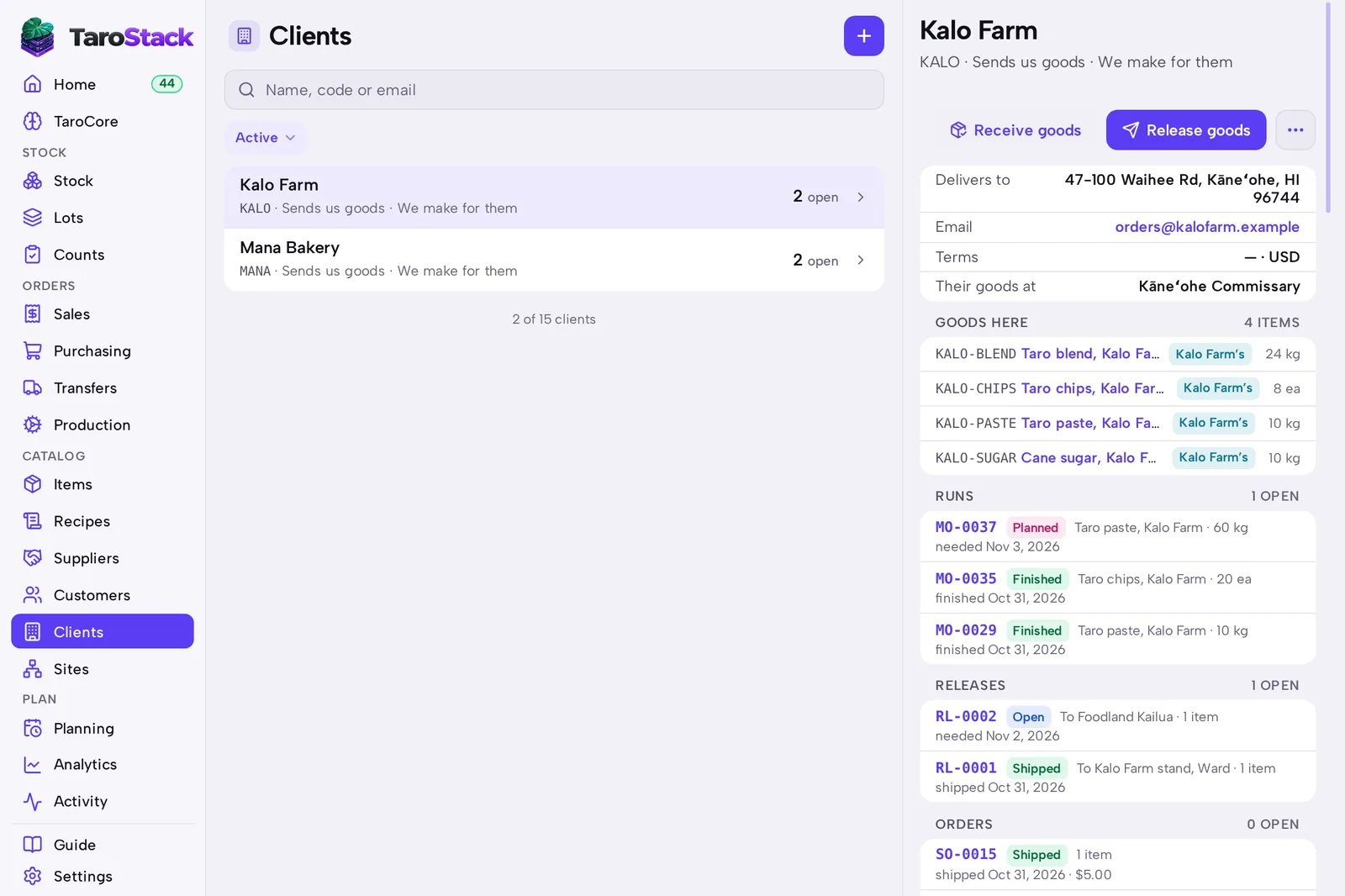
A client is a business whose goods you make or keep. Clients lists each one, with their goods here, your runs for them, their releases and what's still to bill.
When to use it
Use it when you co-pack or store for other businesses. If you only sell to them, they're customers.
Before you start
Open Settings, then Inventory & purchasing, and tick We make or keep goods for clients. Clients then appears in the menu.
Steps
- Open Clients, then press New client.
- Enter the client's details and save.
- Press Receive goods when they send you something.
- Press Release goods when goods leave on their instructions.
What you should see
Their stock carries their name in Stock and Lots. Their page lists their goods, runs and releases.
Good to know
A client's own goods stay out of your stock value.
Your plan sets how many clients you can have. The rule on Settings › Inventory & purchasing shows the limit.