

Customers
Keep who you sell to, when they take deliveries and how much shelf life they need.
What it does
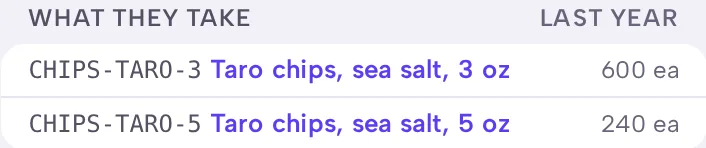
A customer is a store, restaurant or distributor you ship to. Their page shows their delivery days, the shelf life they need, their orders and what they take.
When to use it
Add a customer before their first order, or from the order itself. A sale at a market or a walk-in needs no customer.
Before you start
Nothing has to exist first.
Steps
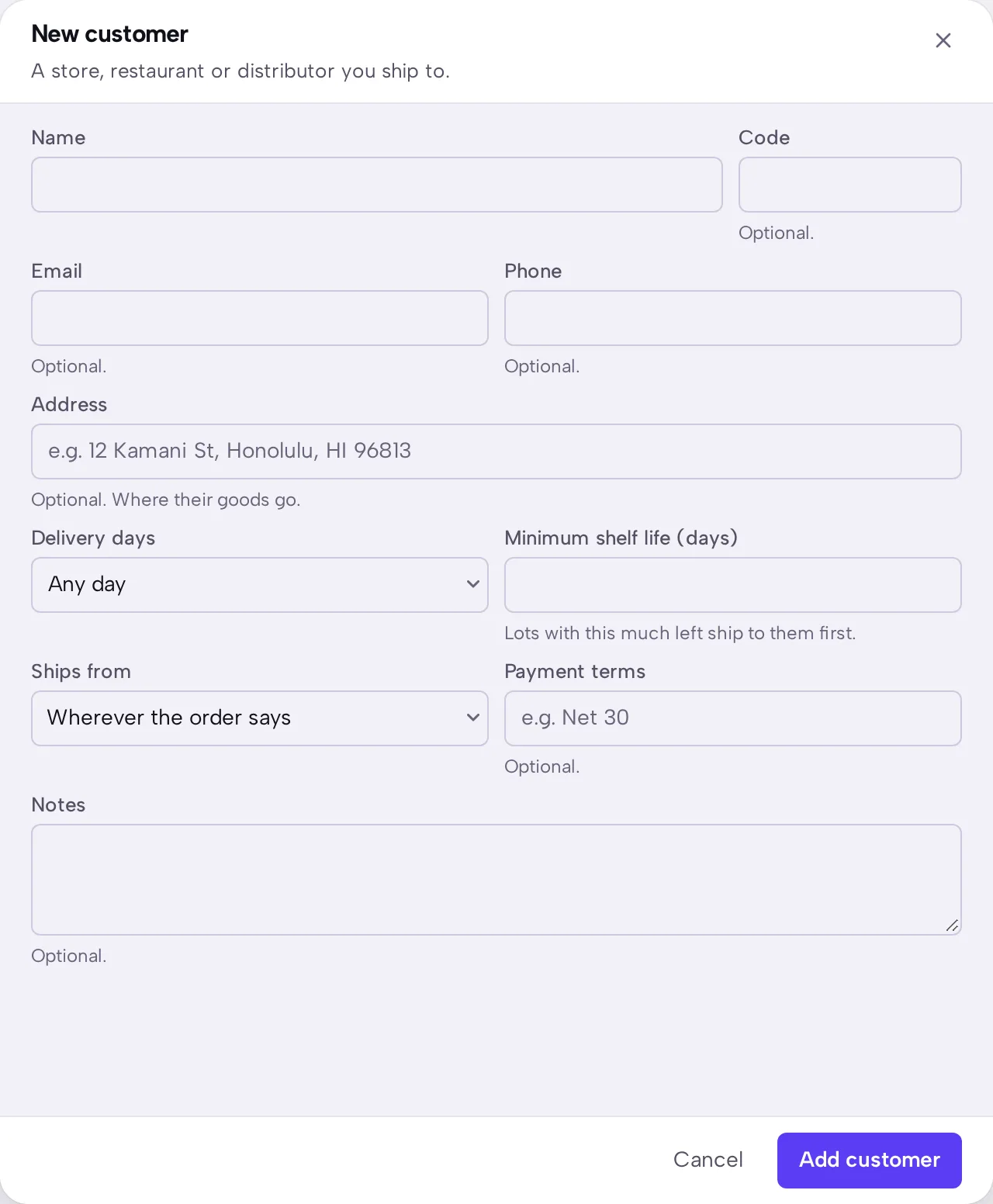
- Open Customers, then press New customer.
- Enter the name, then any contact details and address.
- Choose Delivery days if they only take deliveries on certain days.
- Enter Minimum shelf life (days) if they refuse goods with less time left.
- Choose Ships from if the same site always serves them.
- Press Add customer.
What you should see
The customer appears in Customers. Their page shows their next delivery day, their open orders and how you've done for them over the last year.
Good to know
Minimum shelf life decides which lots ship to this customer. Lots with enough time left ship to them first.
A business you make goods for belongs under Clients, not here.
A store's orders arrive as Shopify order in the list. You don't have to add those buyers as customers.