

Analytics
Four charts answer what stock is worth, what made money, what sold and where money went.
What it does
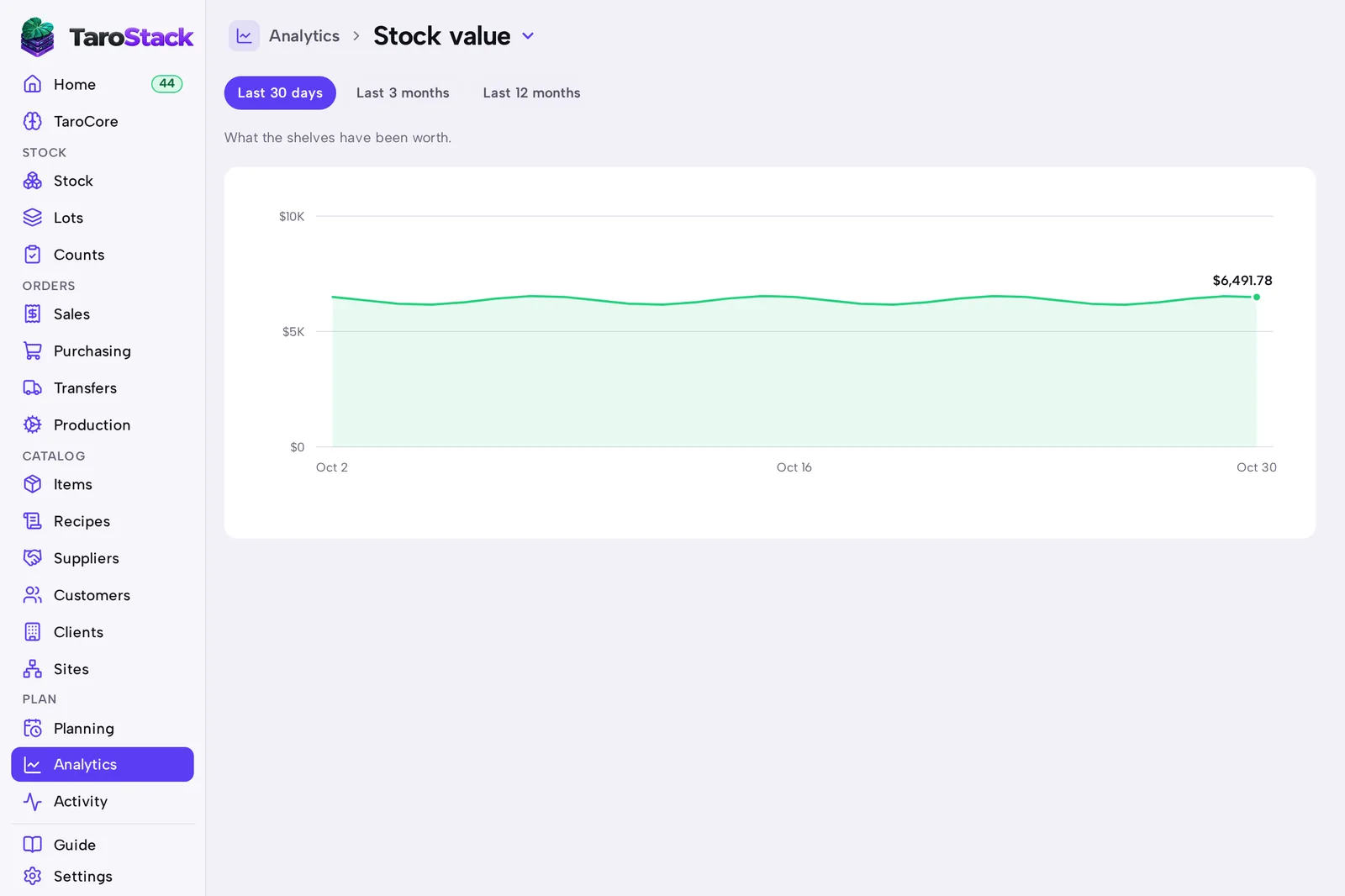
Analytics draws four charts: Stock value, Margin by item, Sales by week and Spend by supplier. Each chart shows a figure from one of your reports.
When to use it
Use it when you're reviewing a month, setting a price, or deciding what to stop making.
Before you start
Stock and sales have been recorded. Stock value needs some days of history to draw.
Steps
- Open Analytics.
- Choose a chart from the menu beside the title.
- Choose Last 30 days, Last 3 months or Last 12 months.
What you should see
The chart redraws for the period you chose. A money chart's scale starts at zero, unless a figure goes below it.
Good to know
TaroCore can explain a figure too. Ask "why is my chip margin down?", using your own product.
Costs and margins show only for roles allowed to see them.