

Roles and permissions
Eight roles cover most businesses, and you can build your own and limit people to sites.
What it does
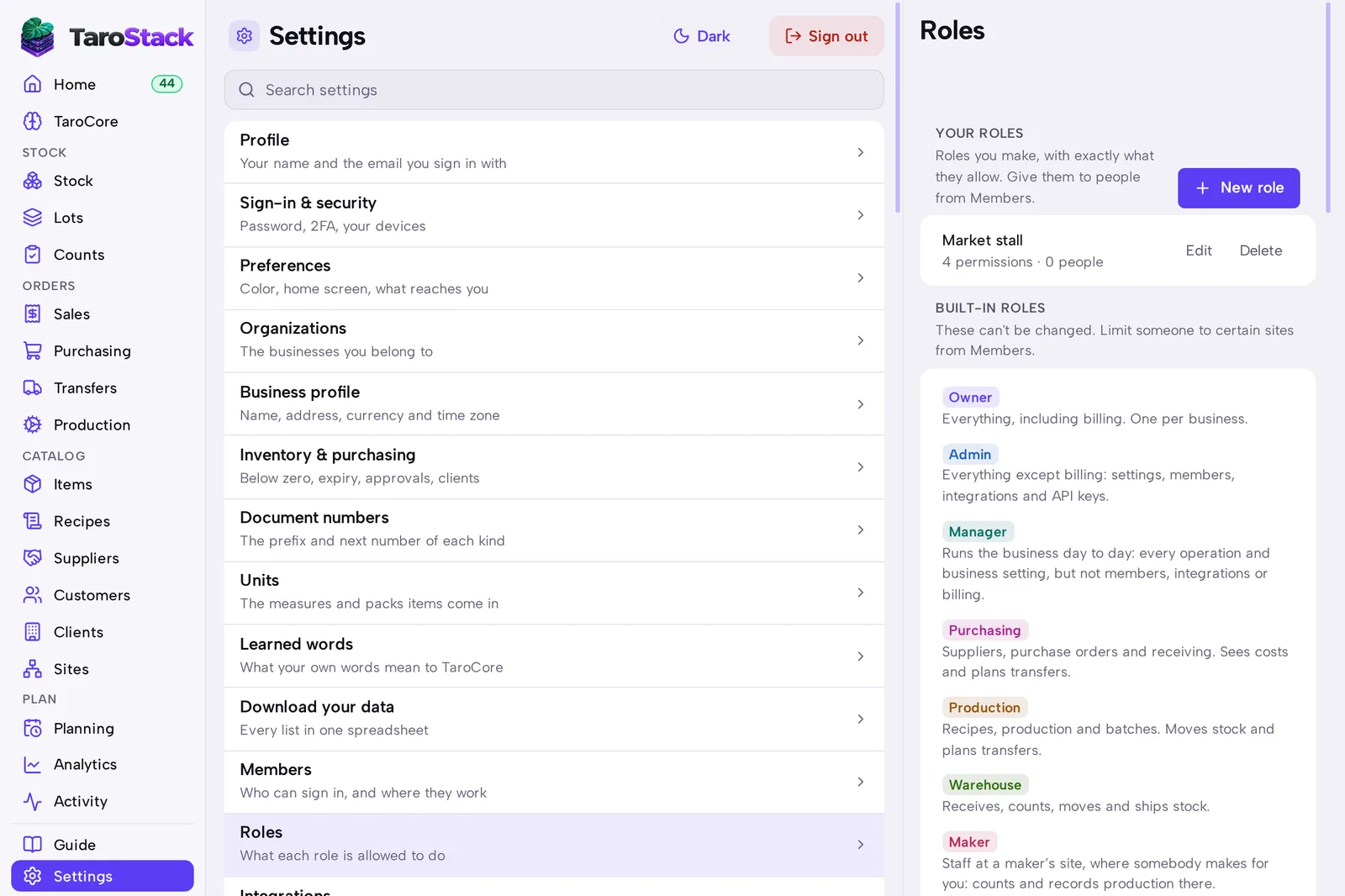
A role is a set of permissions. TaroStack comes with Owner, Admin, Manager, Purchasing, Production, Warehouse, Maker and Viewer, and you can build your own.
When to use it
Use it when you add a person, or when somebody can do too much or too little.
Before you start
You're an owner or admin.
Steps
- Open Settings, then Members, and press Invite someone.
- Choose their role.
- To limit them to certain sites, press Edit beside their sites.
- To build a role, open Settings, then Roles, and press New role.
- Tick the permissions it allows and save it.
What you should see
The person appears in Members with their role and sites. WHAT EACH ROLE CAN DO on Settings › Roles lists each permission, and the roles that carry it.
Good to know
A change of role takes effect as soon as you choose it.
Only the owner manages billing, and each business has one owner.