

Business configuration
Your business's name, time zone, currency, document numbers, units and learned words.
What it does
Settings holds your business's details: its profile, its numbering, the units you count in, the words TaroCore has learned, and a download of your data.
When to use it
Use it when you set up, and when something about the business changes.
Before you start
You need permission to change business settings.
Steps
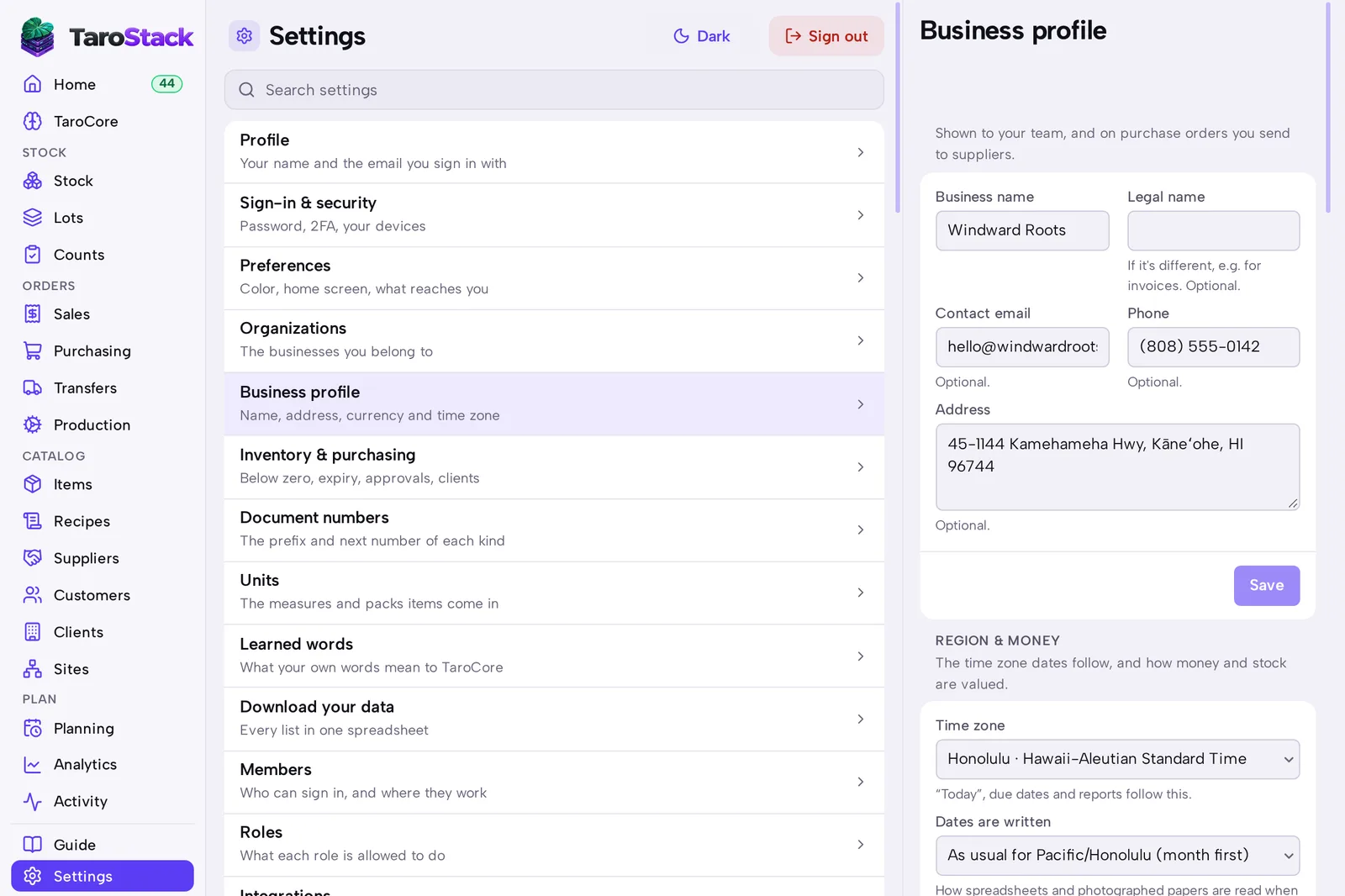
- Open Settings, then Business profile, to change your name, address and time zone. Press Save.
- Open Document numbers to change the prefix and next number of each kind of record.
- Open Units to add the measures and packs your items come in.
- Open Learned words to see what your own words mean to TaroCore.
- Open Download your data to get every list in one spreadsheet.
What you should see
Your business's details appear on purchase orders you send. Dates follow the time zone you chose.
Good to know
The currency can change only until stock first moves.