

API keys
Let your own software read and change your data, with only the permissions you give it.
What it does
An API key lets your own software, or your own assistant, read and change your business's data. A key has only the permissions you give it.
When to use it
Use it to connect a label printer, a report or anything you build yourself.
Before you start
You're on the Pro plan, and you're an owner or admin.
Steps
- Open Settings, then API keys, and press New key.
- Name it, and tick only what it needs.
- Copy the secret straight away. It's shown once.
- Press Revoke on a key you no longer need.
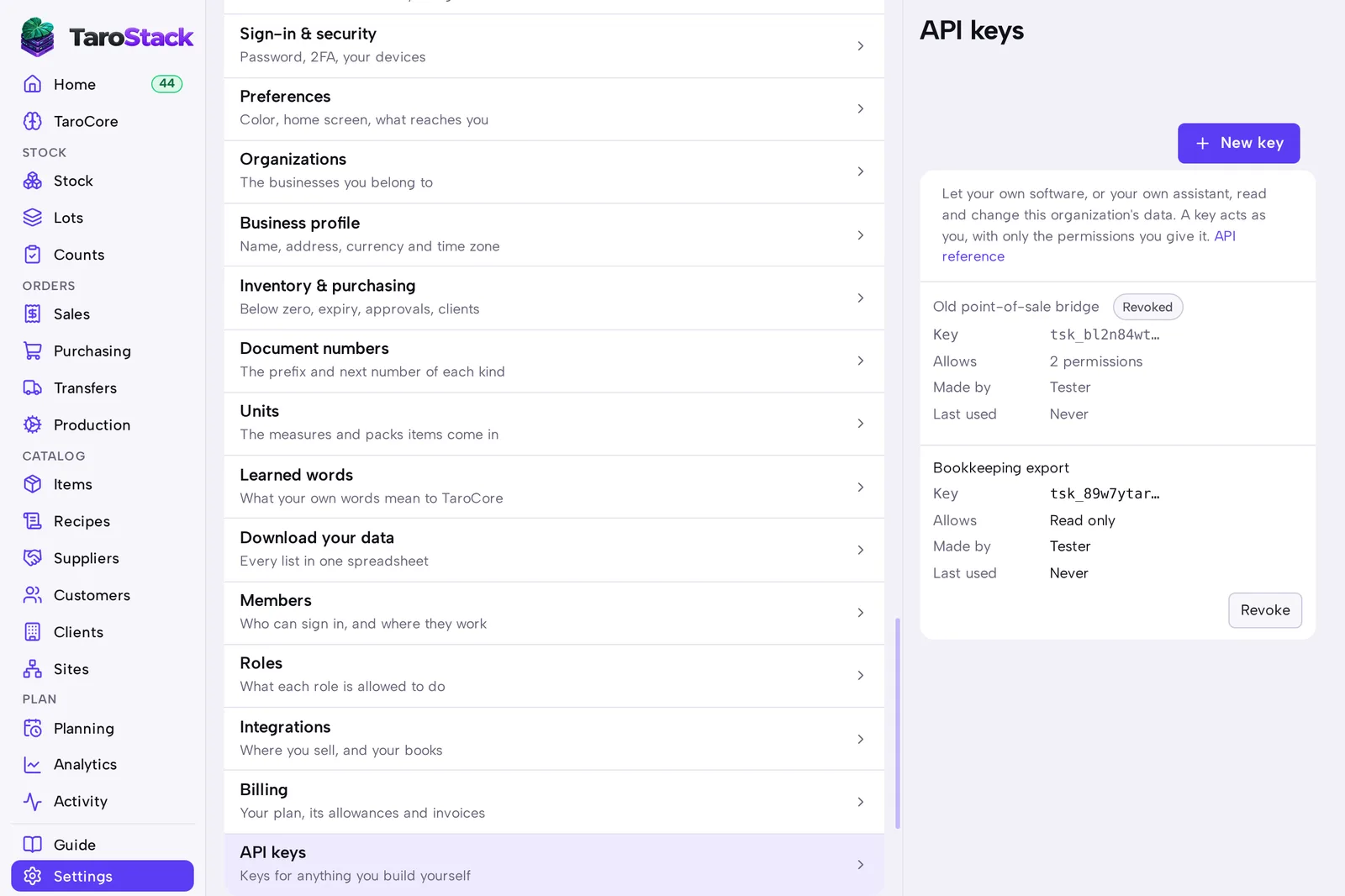
What you should see
The key is listed with its first characters, its permissions, who made it and when it was last used.
Good to know
A key can't do anything a person couldn't. It follows the same rules and site limits.
If you lose a secret, make another key and revoke the old one.