

Sites and locations
A site is a building, a place is a shelf or room inside it, and stock sits in places.
What it does
A site is a building you run, such as a warehouse, kitchen or shop. A place is a shelf or room inside a site. Stock is held in places and added up by site.
When to use it
Add a place when you want to know where inside a building stock sits. Add a site when you open a new building.
Before you start
The site exists. See Sites.
Steps
- Open Sites and open the site.
- Press Add a place, and give it a code and a name.
- To see what's there, open Stock and choose the site from All sites.
- To see an item across every site, open Items and open the item.
What you should see
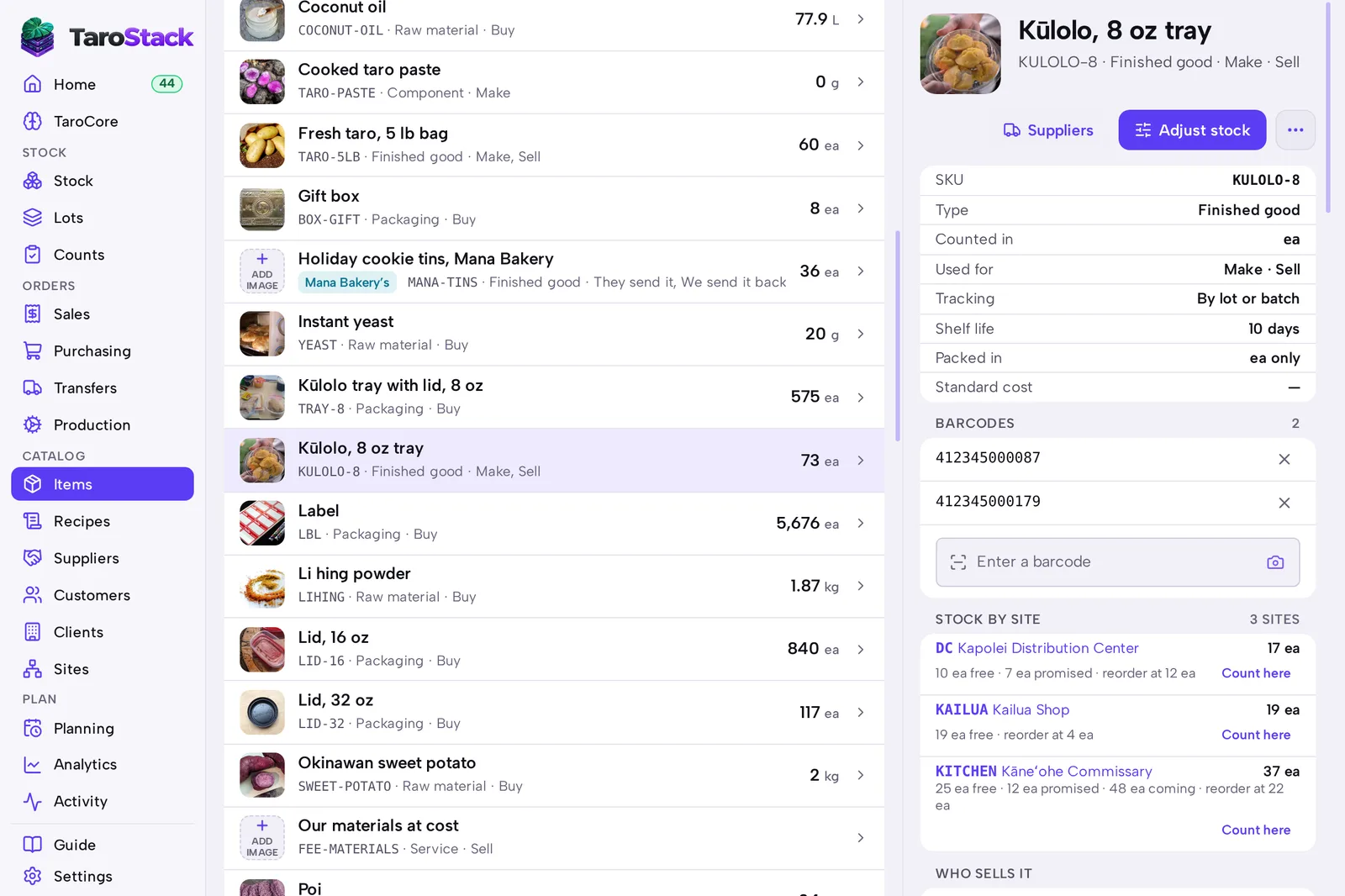
The place is listed under PLACES with what it holds. An item's page shows STOCK BY SITE, with what's free, what's promised and what's coming.
Good to know
Free is what's on hand less what's promised to orders and batches.
A person can be limited to certain sites from Settings › Members. They then see only those sites' stock.
Each Shopify location is a site. Places inside a site belong to TaroStack, and Shopify sees only the site's total.